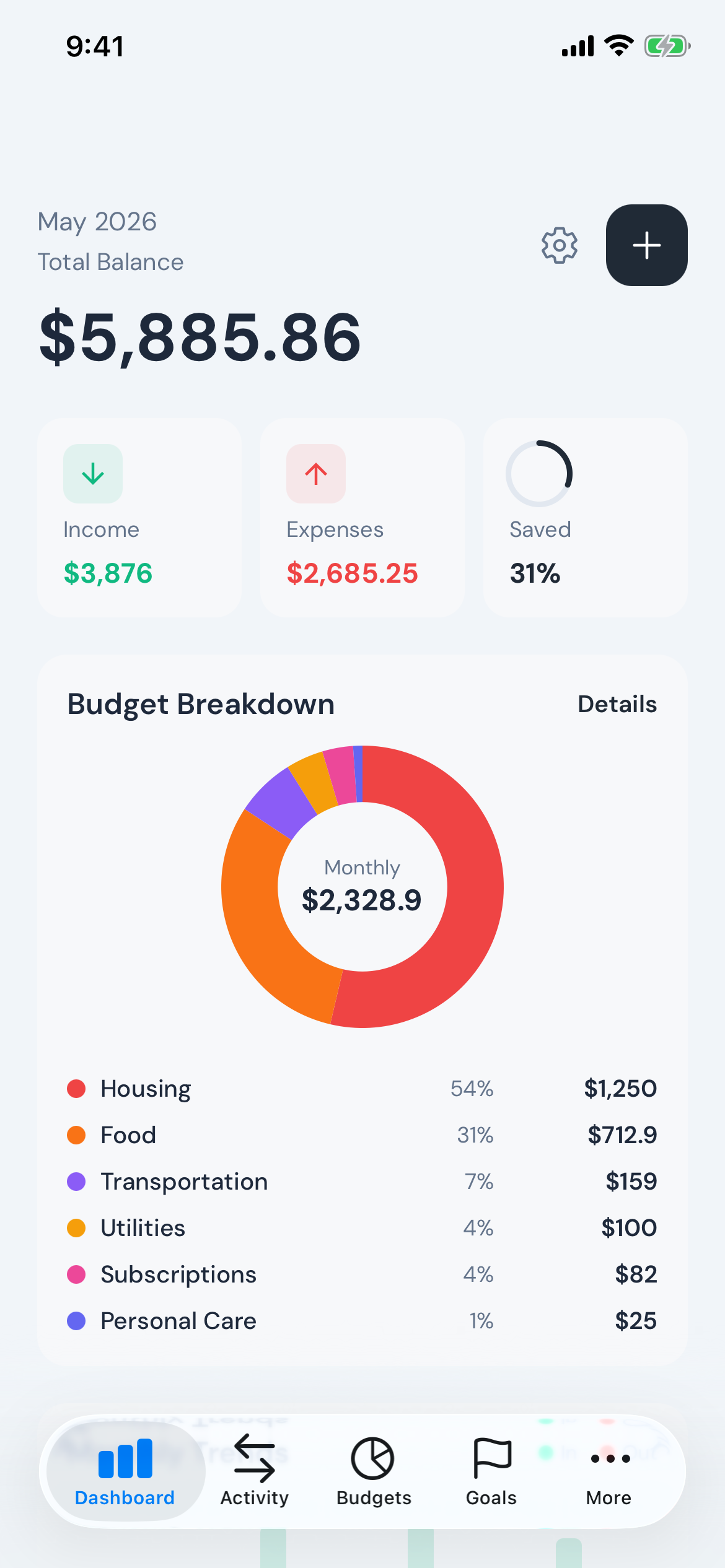
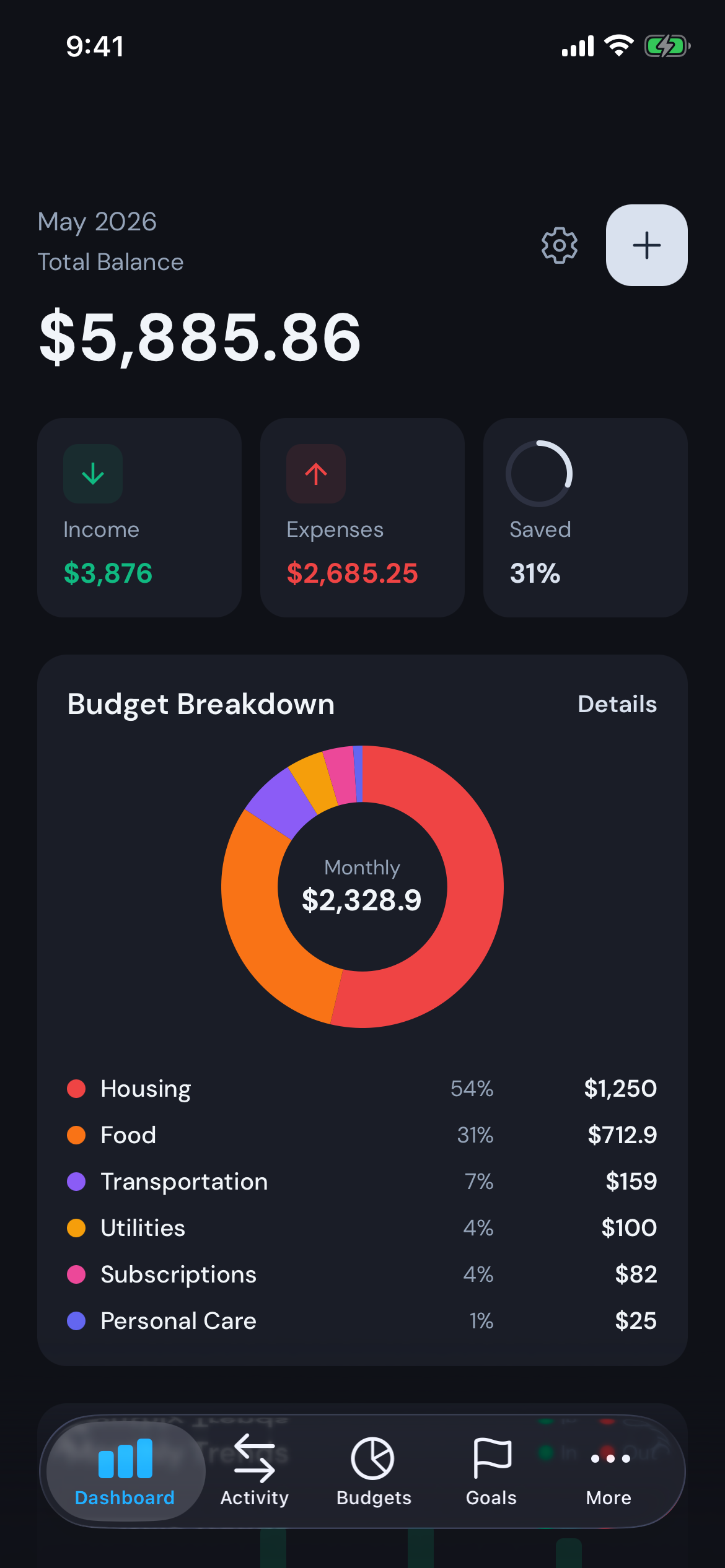
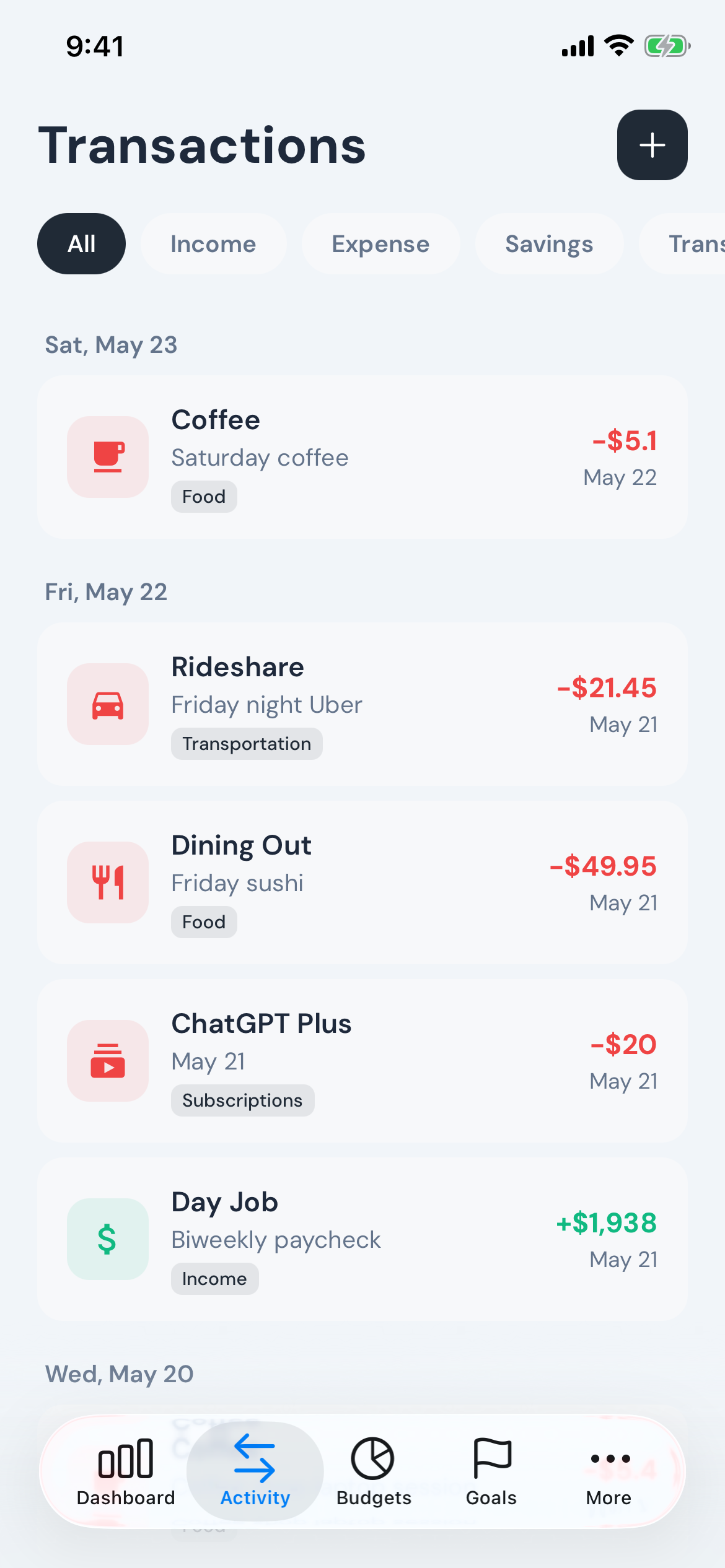
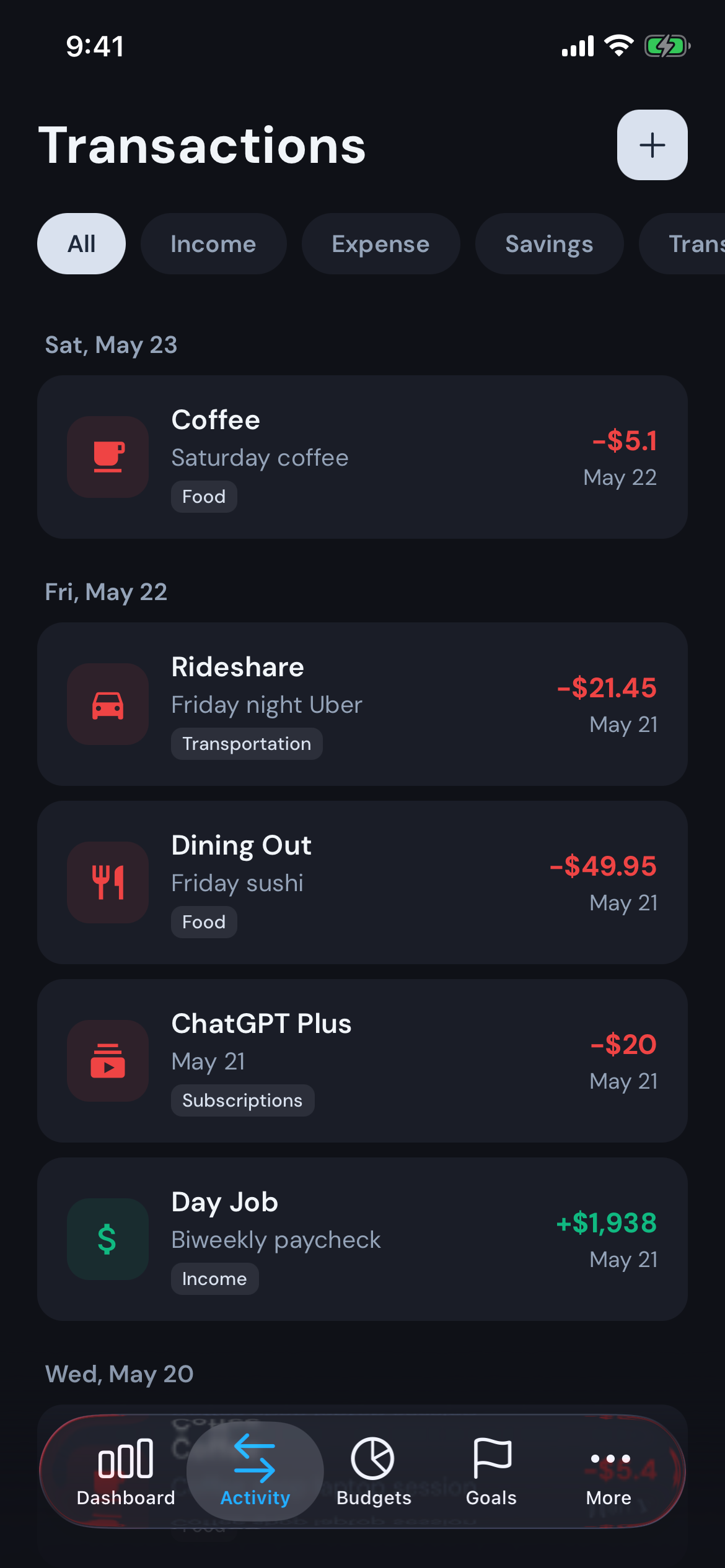
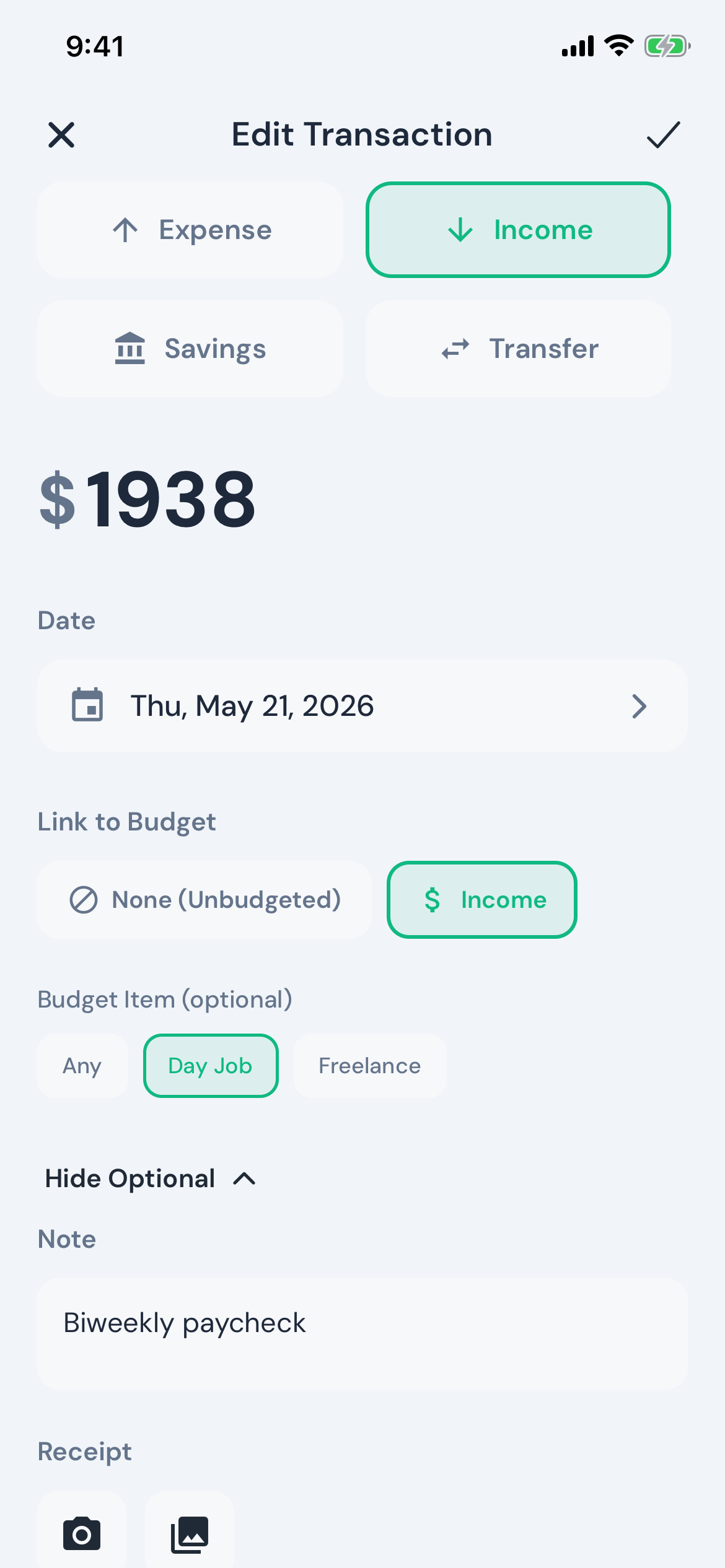
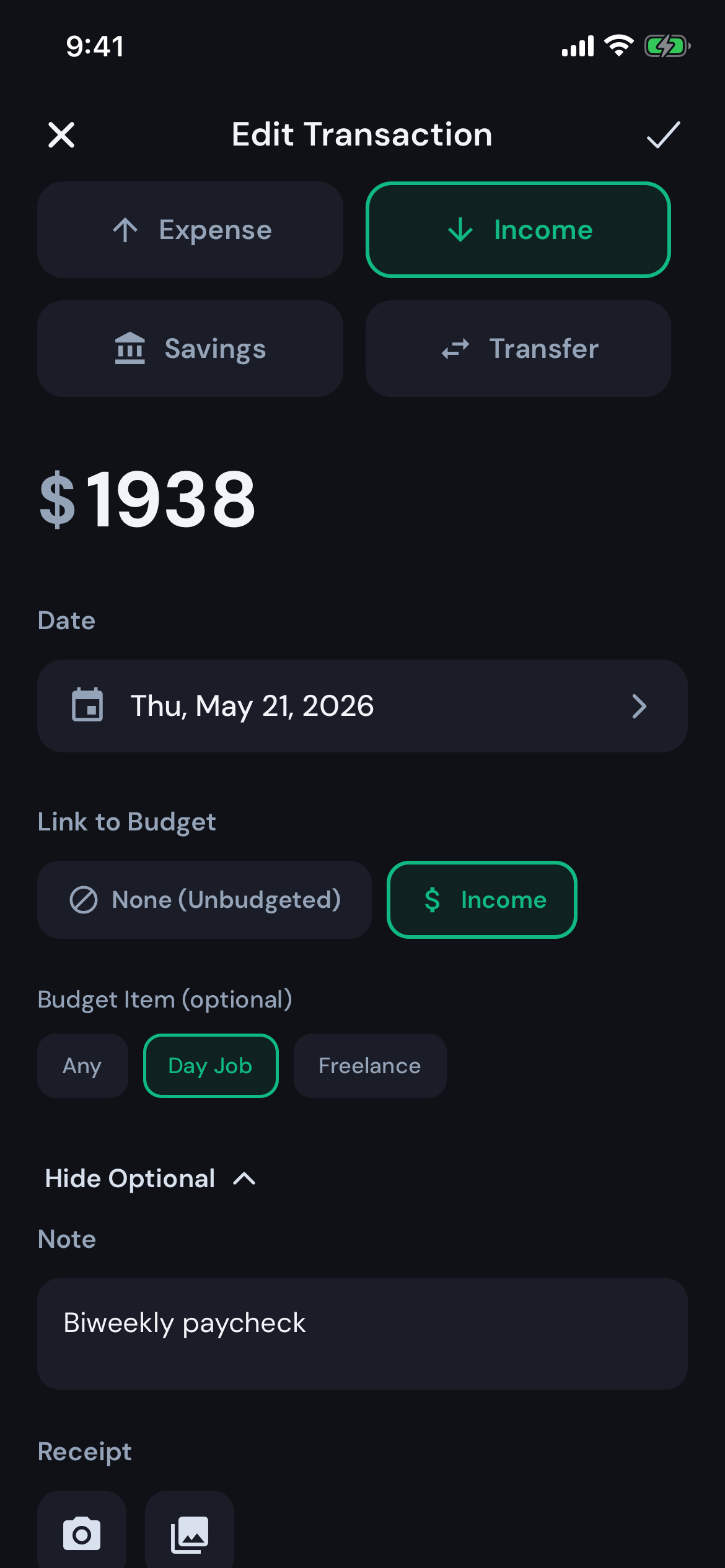
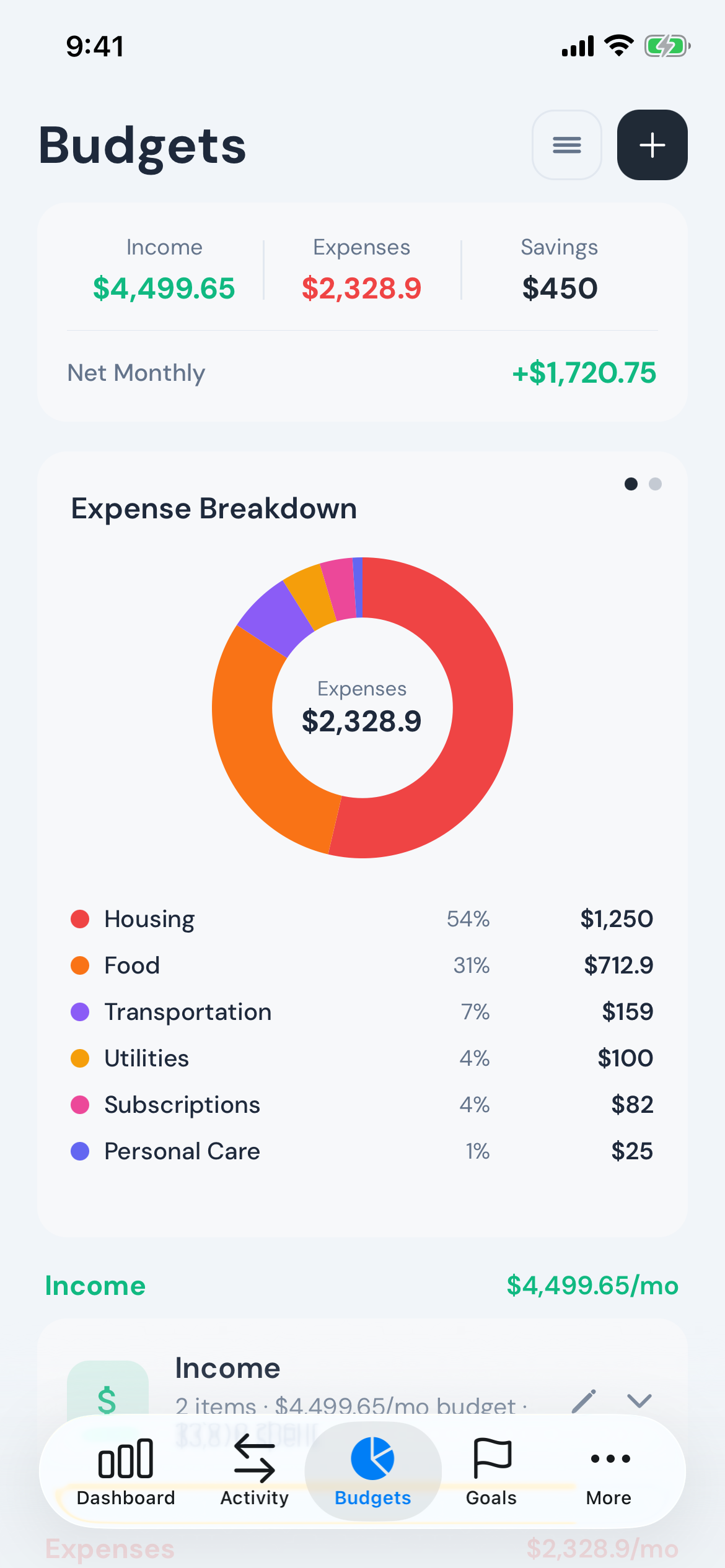
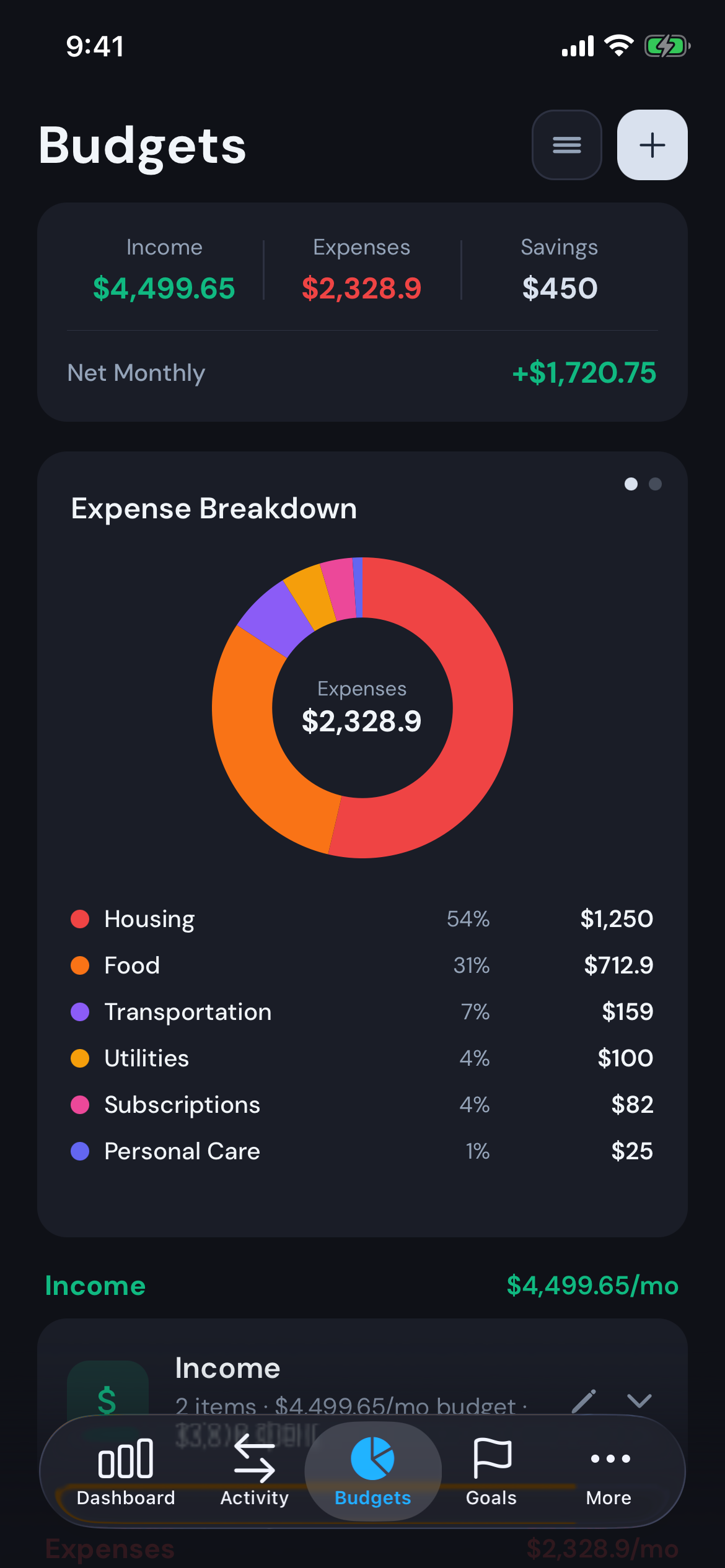
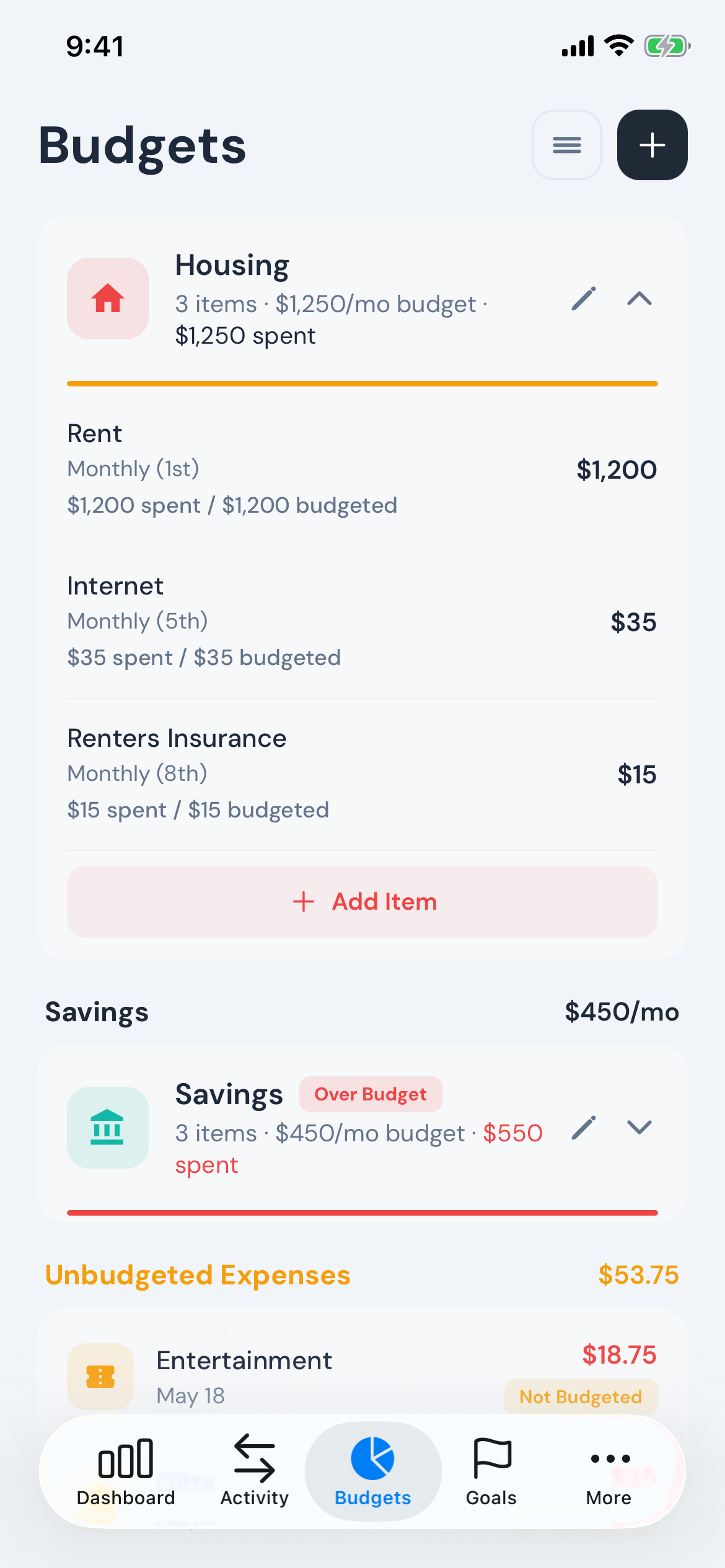
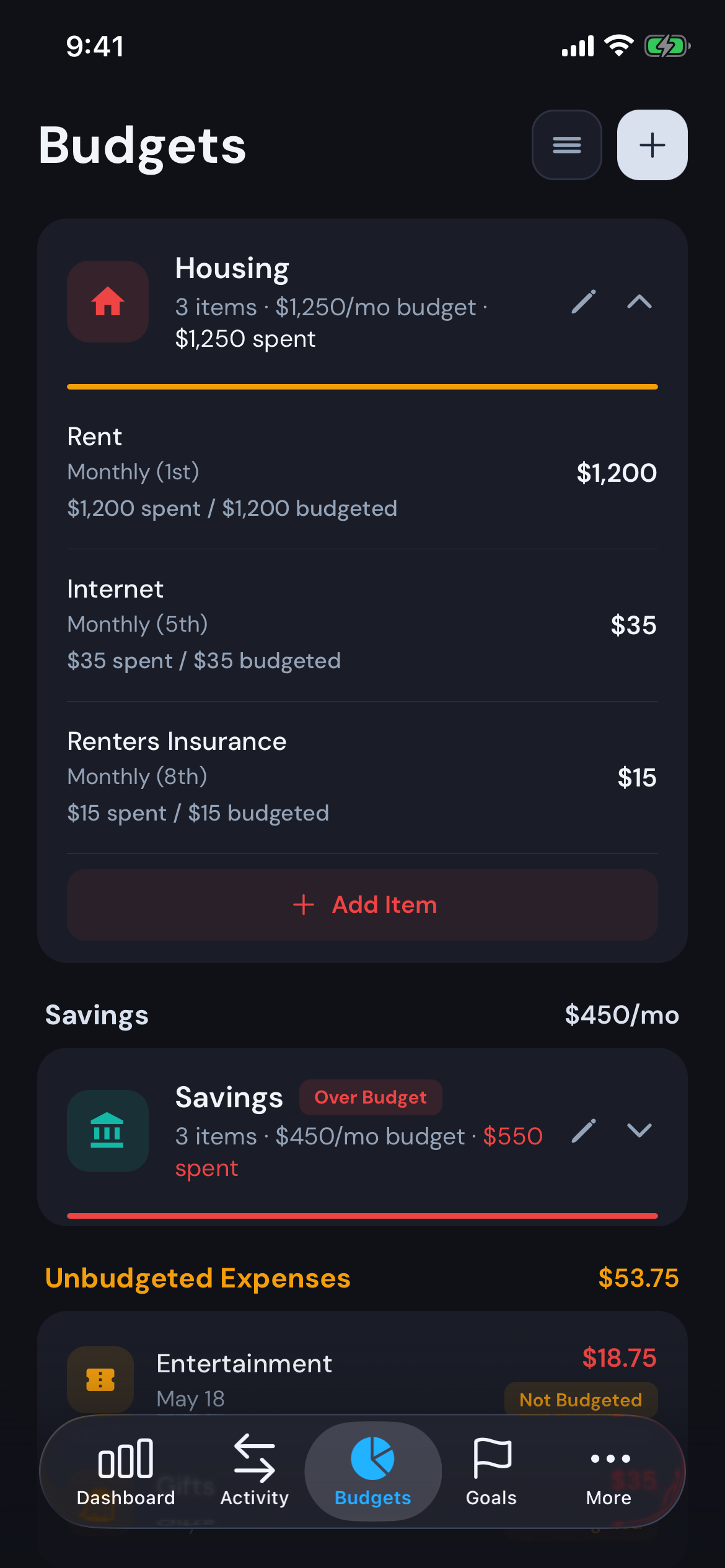
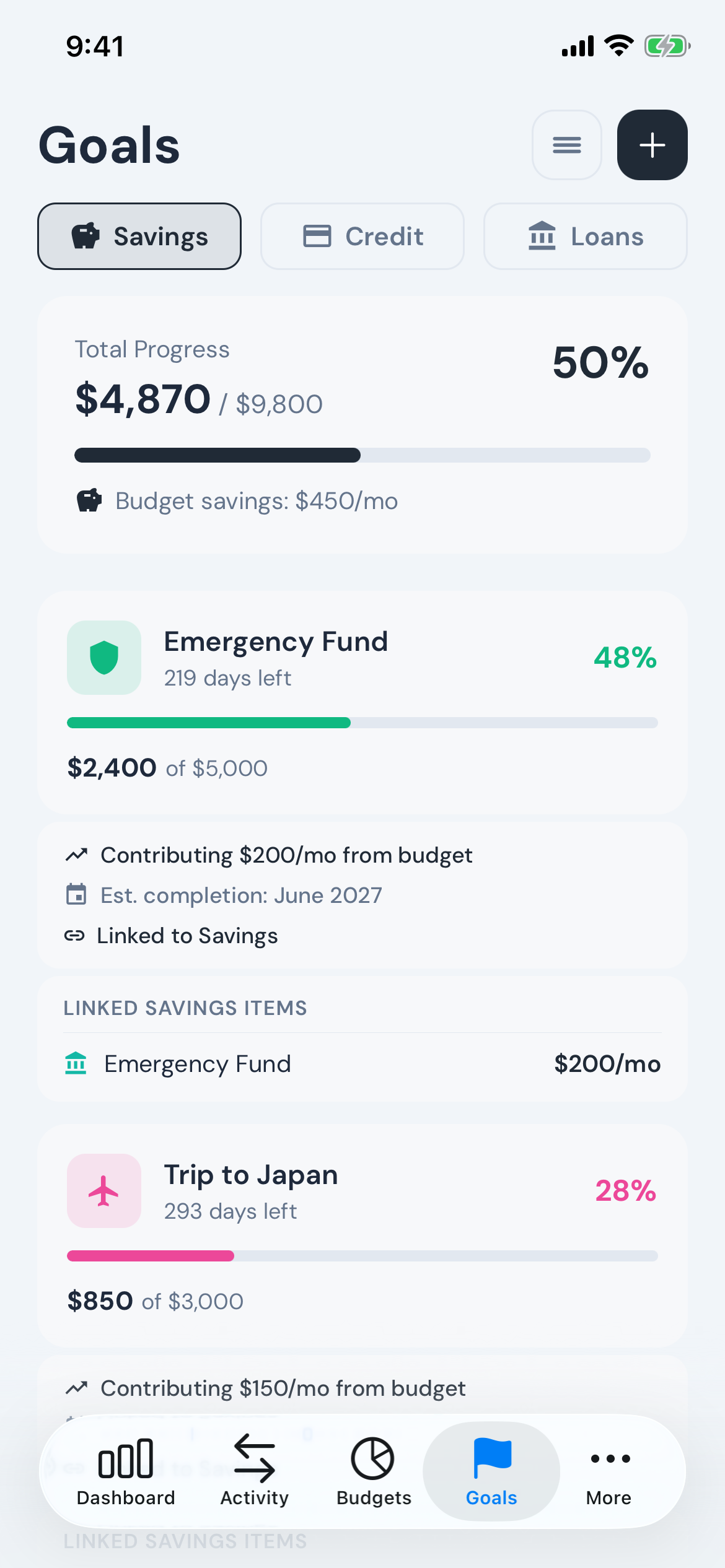
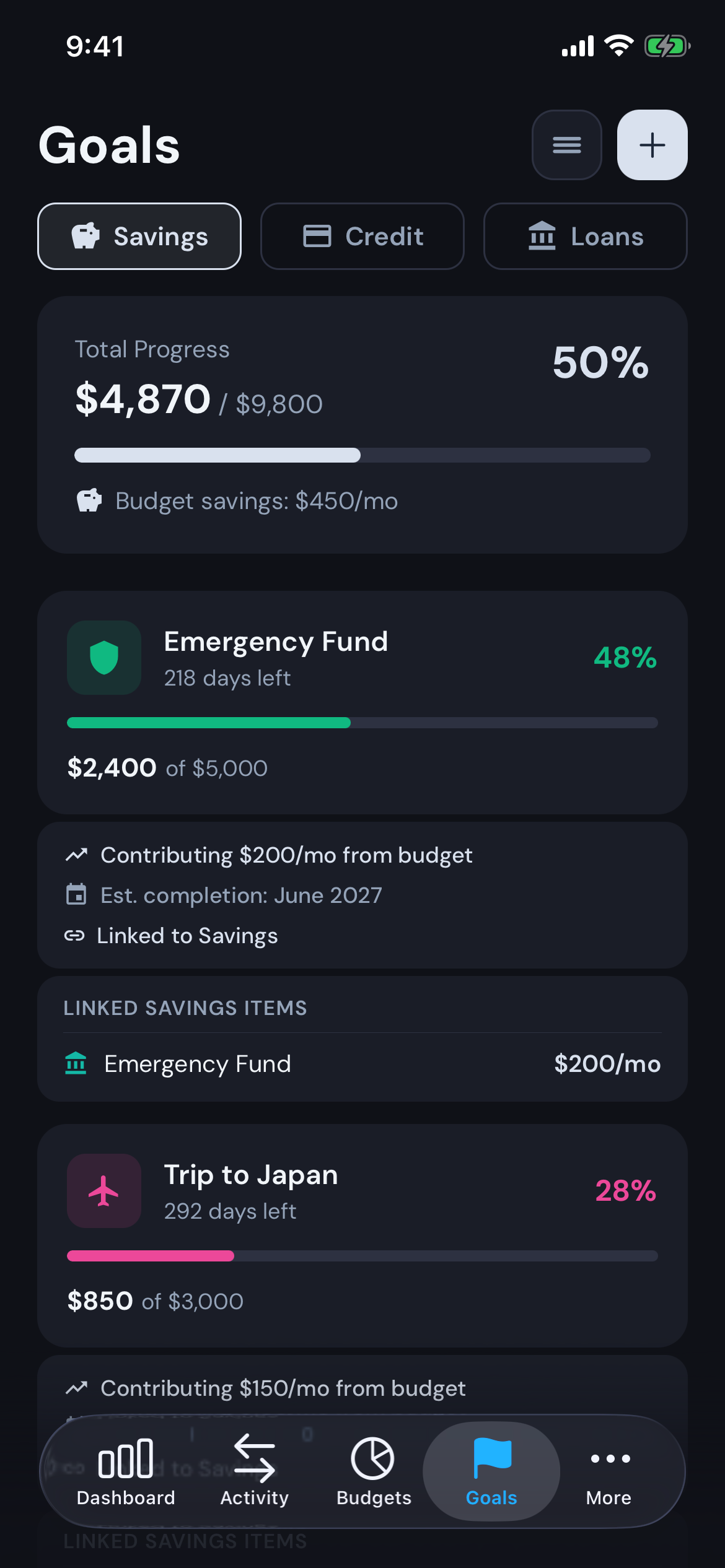
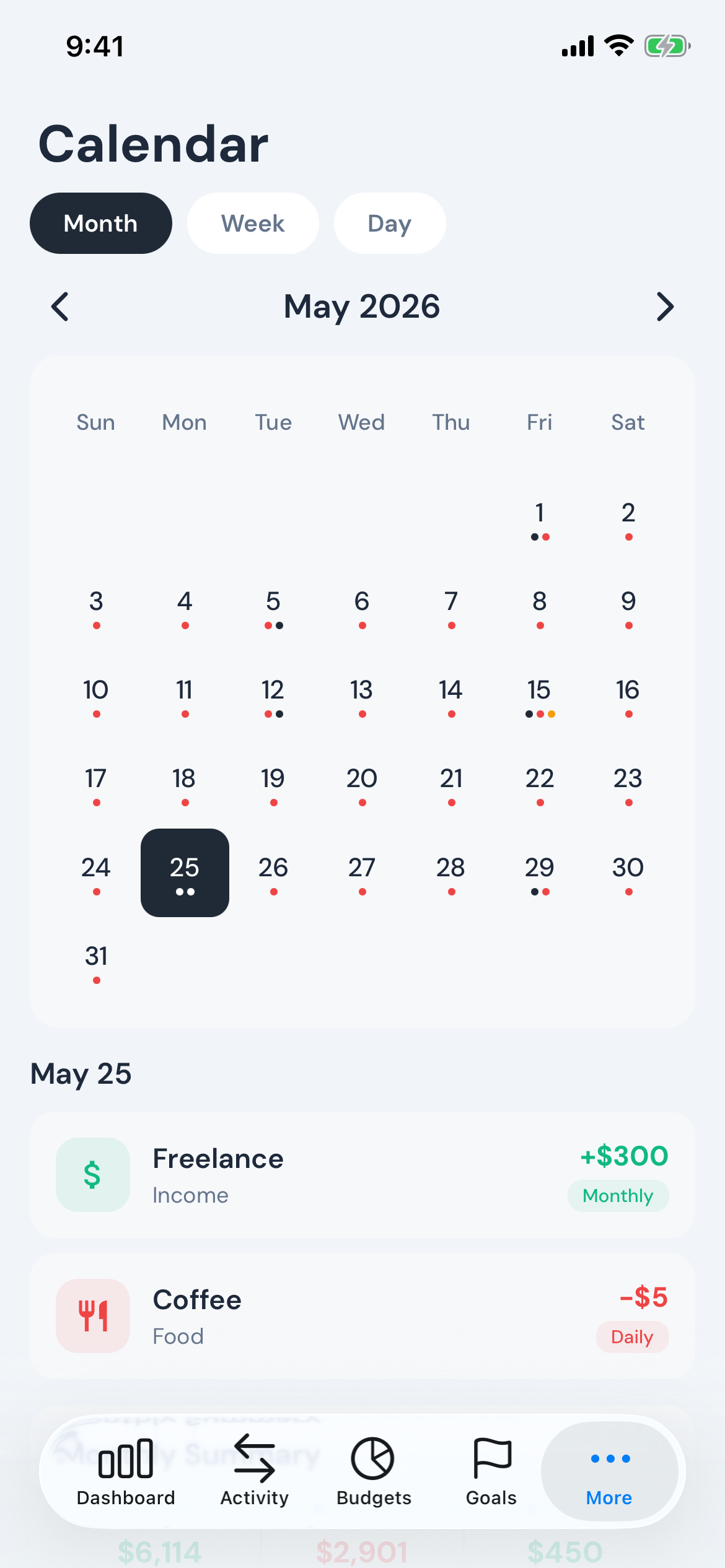
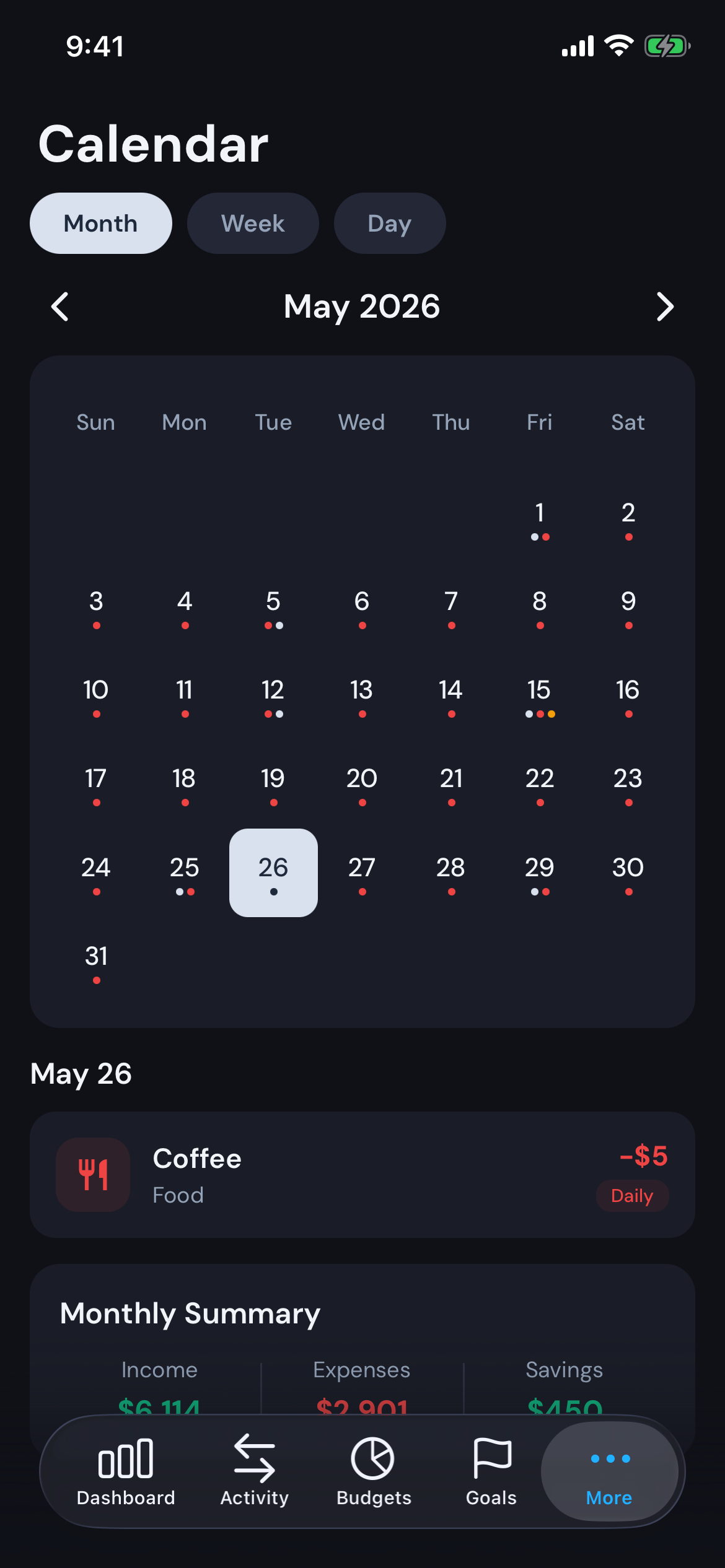
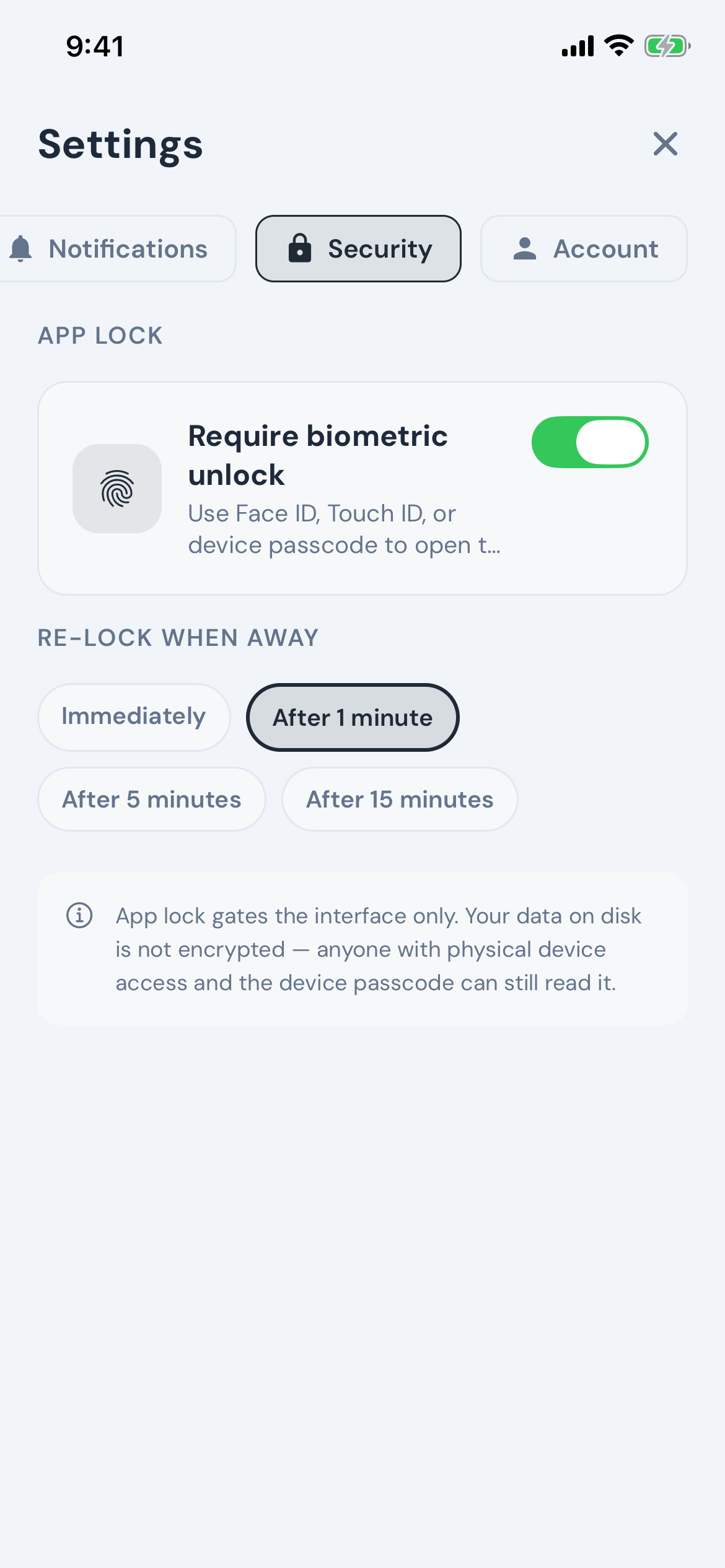
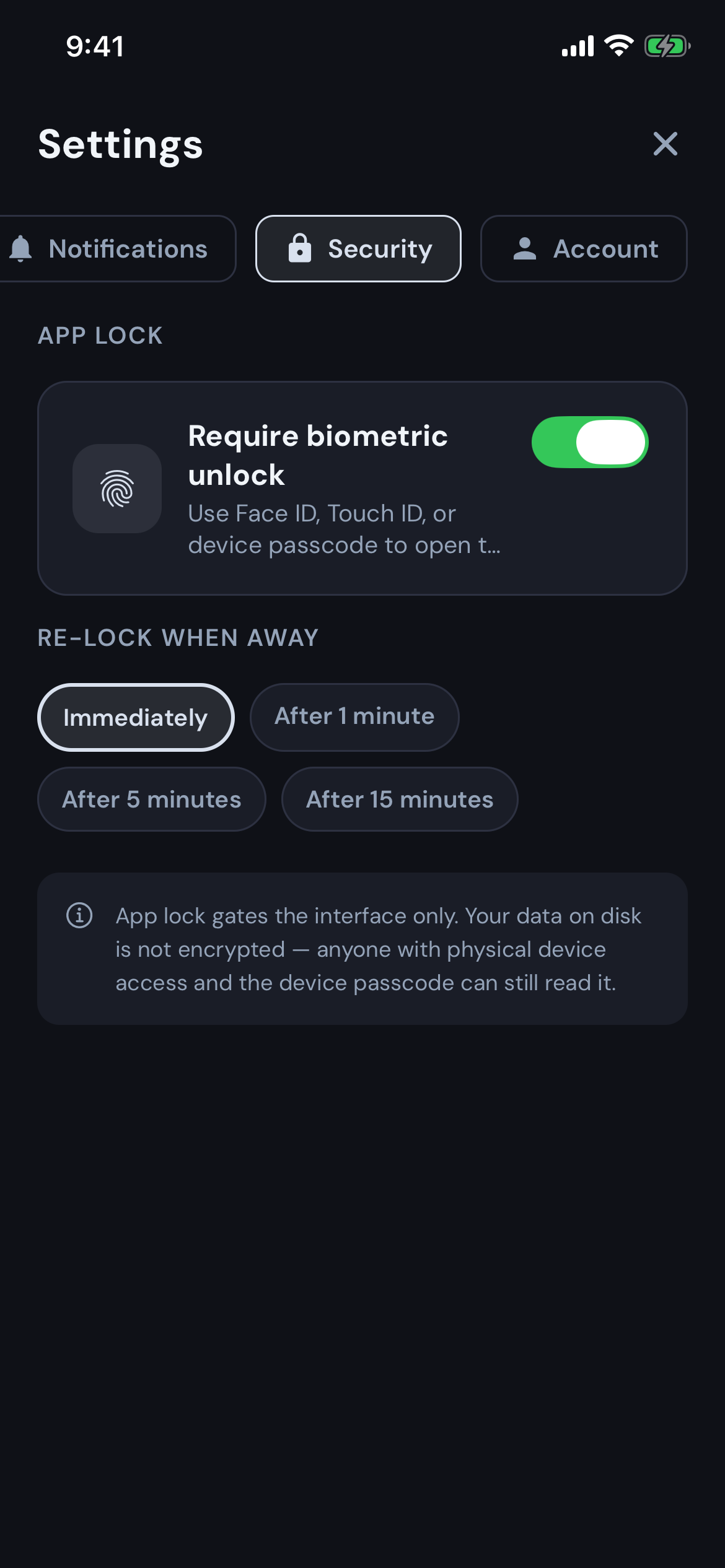
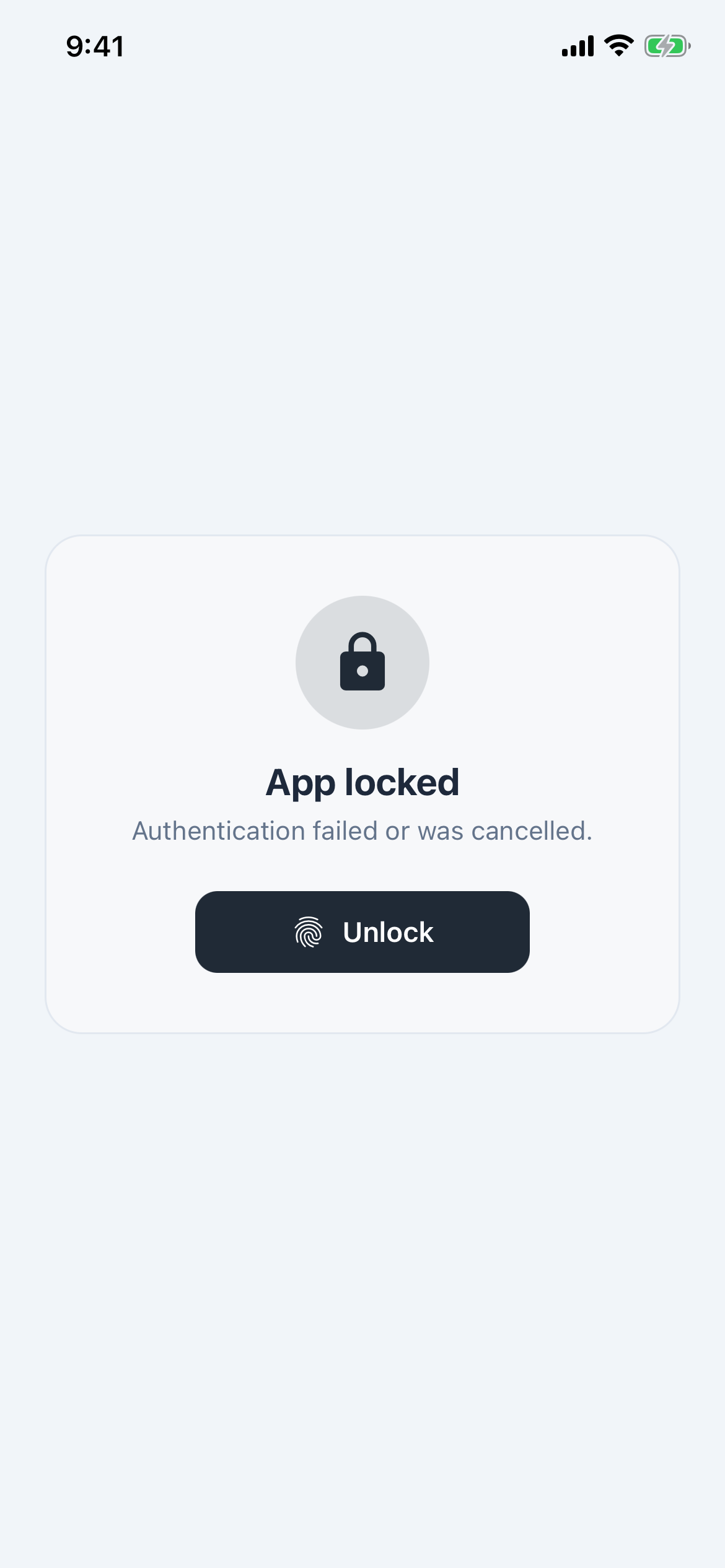
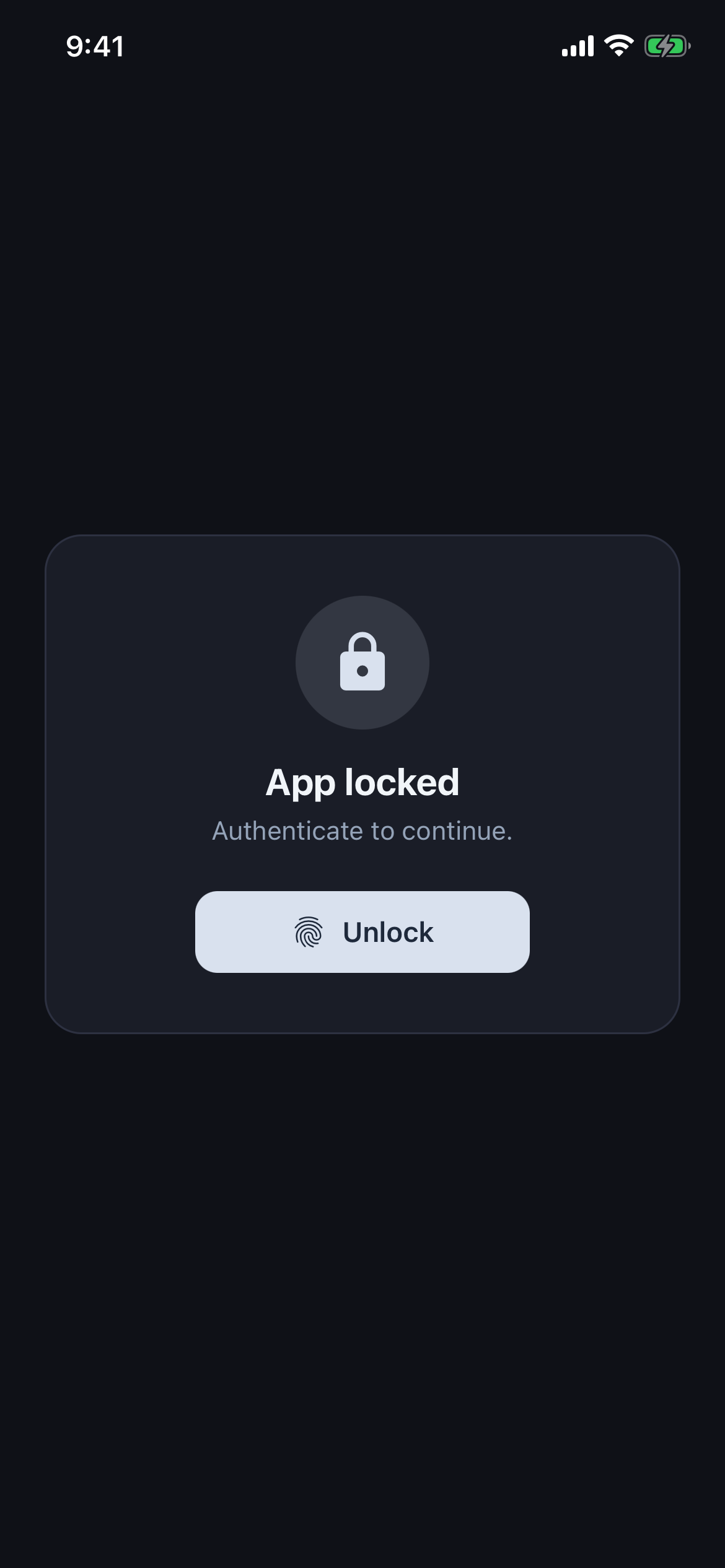
A simple, intuitive, and privacy respecting budgeting app.
Set your goals. Track your transactions.
See your spending.
All with Modest.
Track money. Hit goals.
Everything you need to keep an honest eye on your money — and nothing you don't.
Private by default.
Your transactions, budgets, and receipts live on your device. Anything that ever leaves your phone — like a backup or a sync — is your call.
Every dollar in. Every dollar out.
Track income, fixed bills, recurring subscriptions, and one-off purchases.
Charts that actually answer a question.
Pie breakdowns of where your money went. Progress rings against your monthly budget. Bar charts comparing the last six months at a glance.
Goals you'll actually finish.
Set a savings or wealth-building target and watch it grow month over month. Modest does the math; you do the saving.
Open. Done.
No sign-up screen. No email confirmation. No “sign in with Apple.” Tap the icon, start budgeting in under ten seconds.
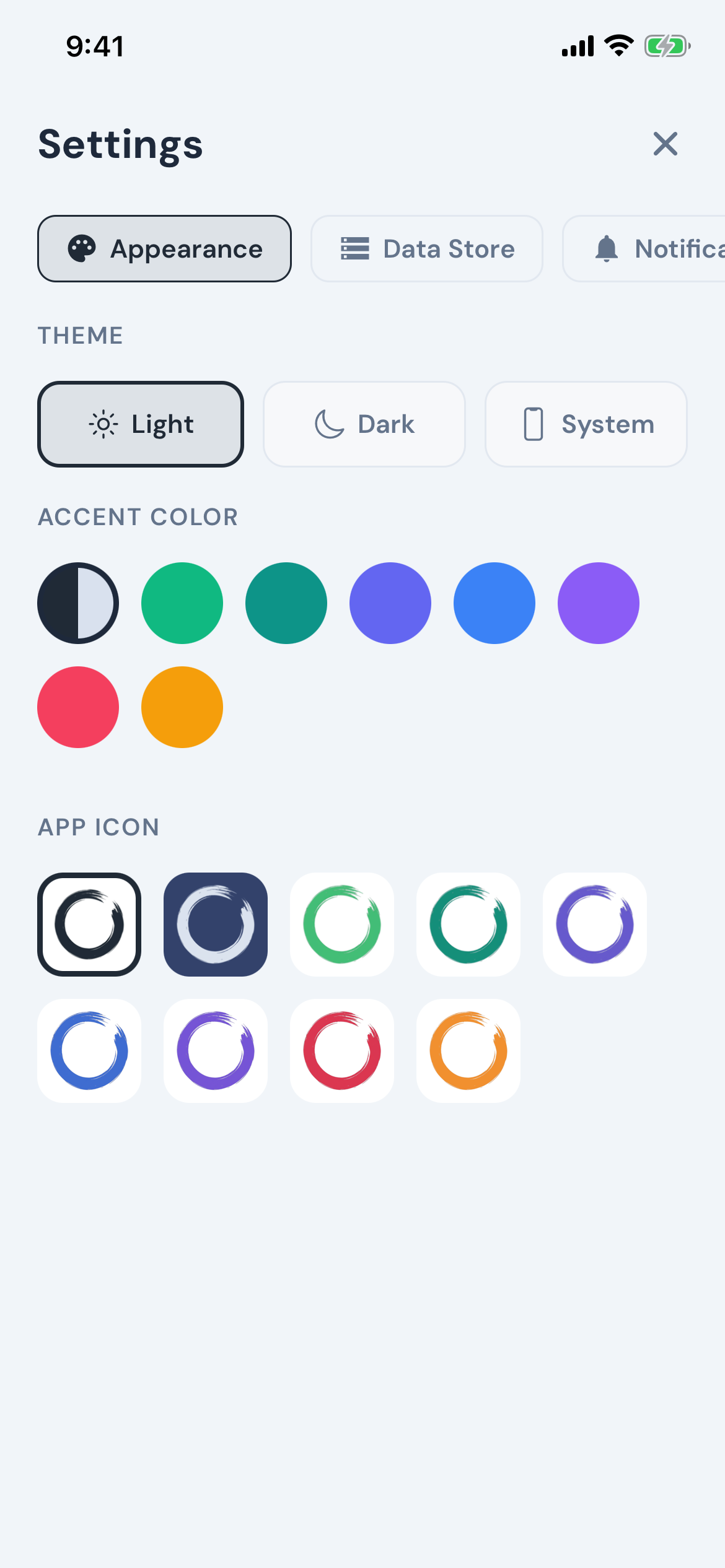
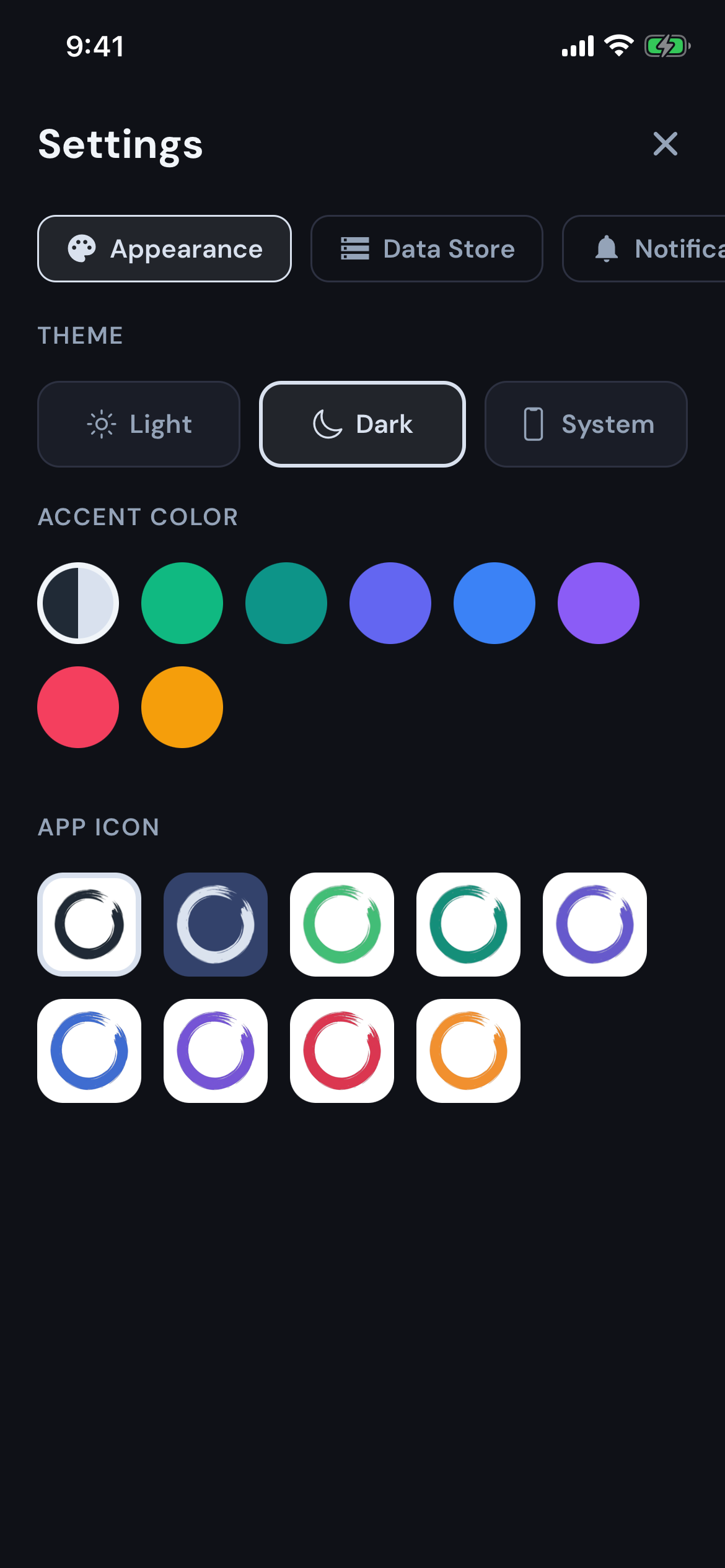
Pick a color. It's your home screen.
Nine app-icon variants: light, dark, emerald, teal, indigo, blue, violet, rose, amber. Match Modest to the rest of your apps — or stand out.
A look inside.
Built for the way you actually think about money.
"Your financial data is yours alone."
From our privacy policy
Questions, answered.
What people ask before they download.
Is my financial data really private?
Yes. By default, every transaction, budget, goal, credit card, and receipt photo stays on your phone. Modest works fully offline — your finances never leave your device unless you choose to back them up. We're working on an optional Cloud Sync for people who want their budget on more than one device. When it ships, it'll be strictly opt-in, and on-device storage will remain the default.
Does Modest connect to my bank?
No — and that's on purpose. Modest never asks for your bank login, never holds your money, and never moves it. You add transactions yourself (it takes a few seconds), and your bank stays your bank. The trade-off is a little extra typing in exchange for a lot more privacy.
What happens if I lose my phone?
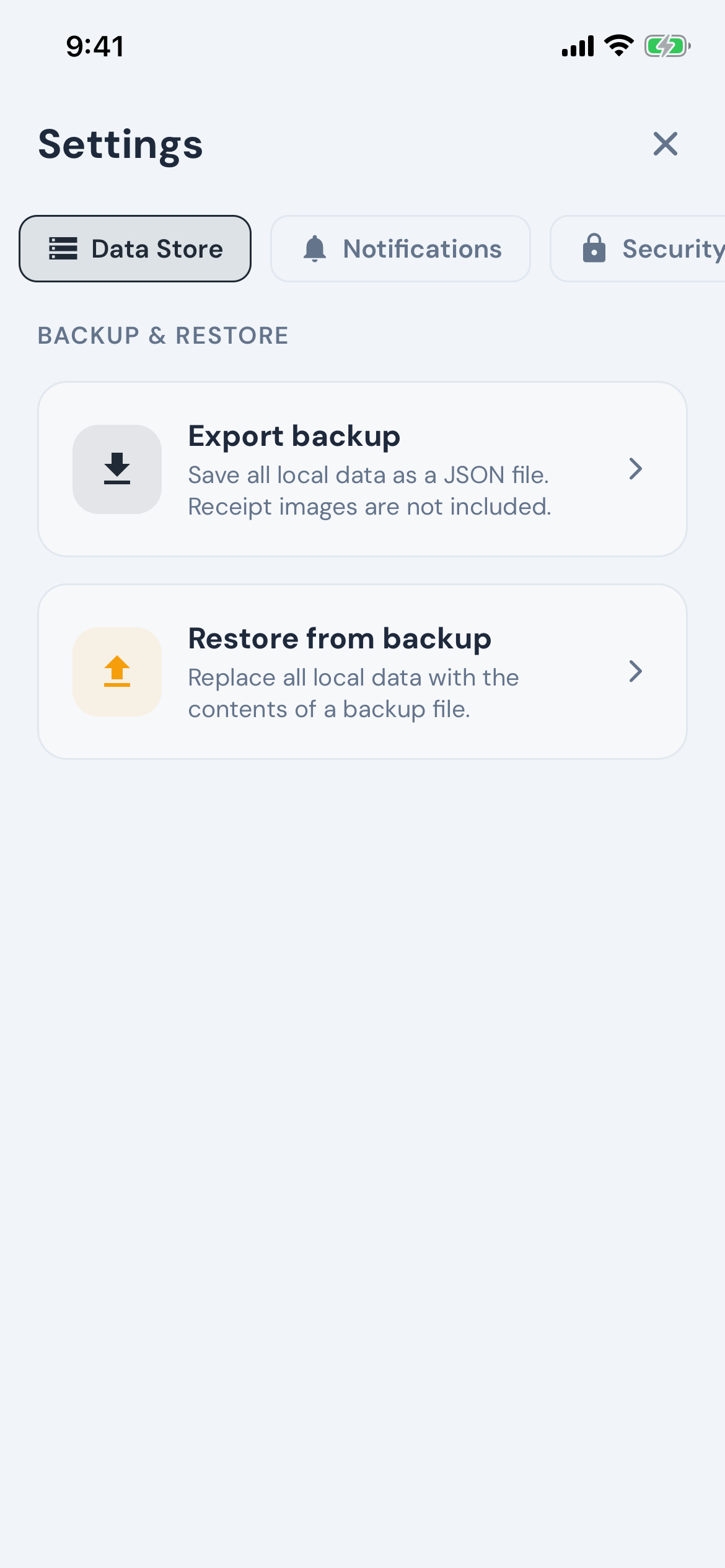
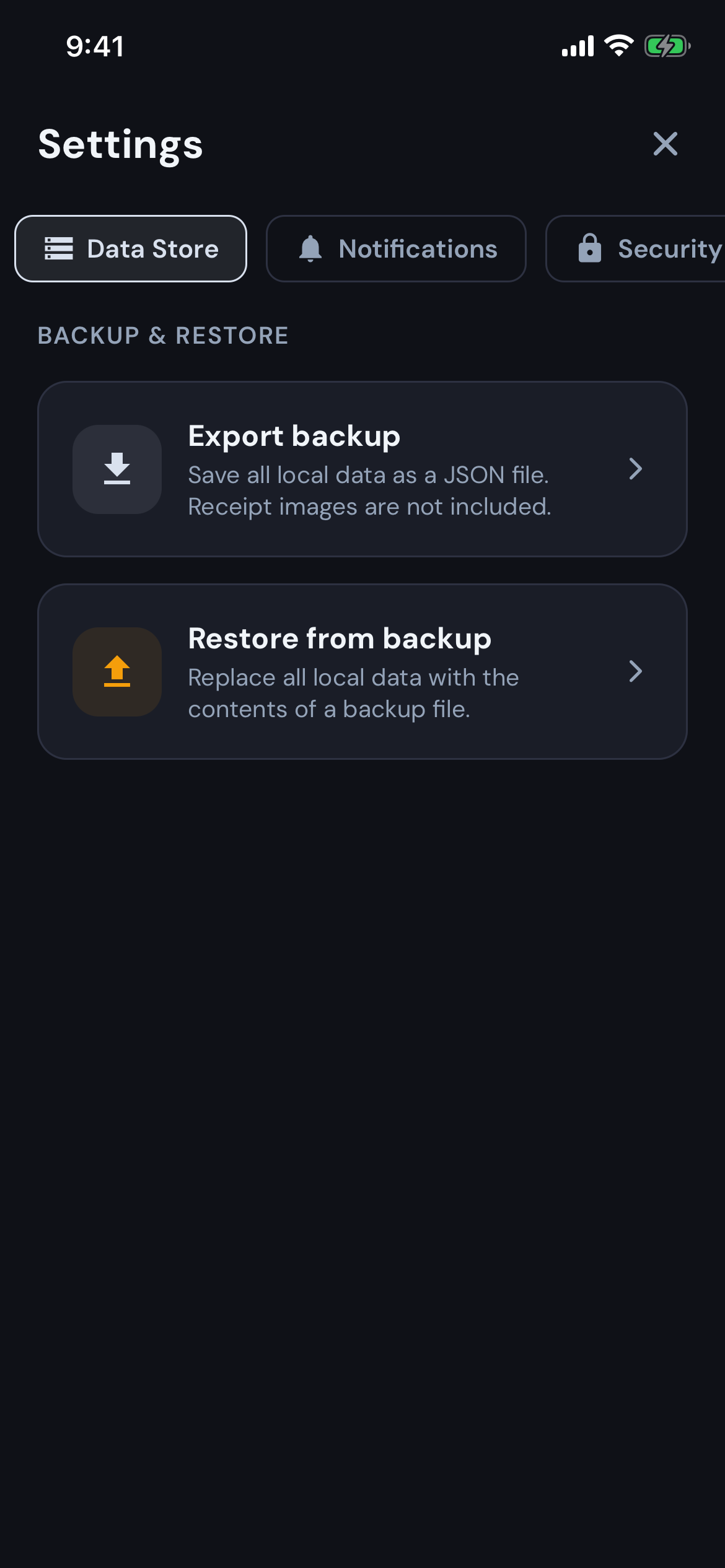
Since your budget lives on your phone, a lost, broken, or wiped device means losing it — unless you've saved a backup. In Settings → Data Store, tap Export backup to save your data anywhere you like: iCloud Drive, Google Drive, Files, or even an email to yourself. Heads-up: receipt photos aren't included in backups. We recommend exporting once a month.
How do I move Modest to a new phone?
On your old phone, go to Settings → Data Store → Export backup and save the file. Send it to your new phone — AirDrop, email, or cloud storage all work — install Modest, then choose Settings → Data Store → Restore from backup and pick the file. Two things to know: restoring replaces any data already in the new app, and receipt photos aren't carried over (they aren't included in backups).
Is Modest free? What does Pro include?
Yes — Modest is free to download and use, and the free plan covers the essentials: unlimited transactions, categories, budgets, savings goals, credit-card tracking, the main dashboard, app lock, and full data backup & restore.
Modest Pro unlocks the advanced tools: • Net-worth tracking with a monthly snapshot and long-term projections • Loan & debt tracking — balances, interest rates, and payoff progress • Receipt photos attached to any transaction • Goal automations — yearly auto-increases and contribution reminders • Automatic archiving of old transactions • Extra accent colors and alternate app icons
Pro is available as a Monthly or Yearly subscription, or a one-time Lifetime purchase.
Can I cancel anytime?
Yes — any time. Cancel a Monthly or Yearly subscription through the app store you bought from (iOS: Settings → your name → Subscriptions; Android: Google Play → Payments & subscriptions). You keep Pro until the end of the period you've already paid for, and refunds are handled by Apple or Google under their own policies. The Lifetime option isn't a subscription — there's nothing to cancel, and Pro stays unlocked.
How do I restore my purchase on a new device?
Reinstall Modest, head to Settings → Account → Upgrade to Pro to open the purchase screen, then tap Restore Purchases at the bottom. As long as you're signed into the same Apple ID or Google account you originally bought with, your Pro access comes right back — instantly. Restore happens through your app-store account, so there's nothing extra to sign into on our side.